Engaging, accessible training in English and French for 65,000 employees
Twenty bilingual courses, 40 in all, were rebuilt with accessibility features, new branding and simulations in six months, and 95% of learners responded favorably.

-
40
courses modernized, 20 each in English and French
-
65,000+
employees reached across the US and UK
-
95%
of learners responded favorably in post-training surveys

About WSP
WSP is a globally recognized professional services firm with more than 65,000 employees. It provides strategic advisory, engineering and design services to clients in the transportation, infrastructure, environment, building, power, energy, water and mining sectors.
Bilingual training that needed a fast upgrade
WSP's learning and development team had to upgrade its bilingual training modules for 65,000 employees, and quickly. Neovation's instructional designers and graphic designers worked as an extension of the WSP team, managing the English and French versions while staying within scope and budget.
A review of the existing eLearning set three priorities:
- Bring the course components up to WCAG accessibility standards
- Align the courses with WSP's new branding and visual guidelines
- Make the content more engaging and interactive
What the Custom Learning team built
-
New templates
New templates for WSP's training content, with interactive activities such as simulations designed in the new WSP branding.
-
Accessibility
Courses built to WCAG AA, with extensive usability testing so screen readers and focus order work properly in both languages.
-
Learning simulations
Simulations that recreate the working environment, so learners can practice tasks without risk.
-
Planning support
Support across every part of planning, to meet tight timelines and strict budget constraints.
Inside the course
-
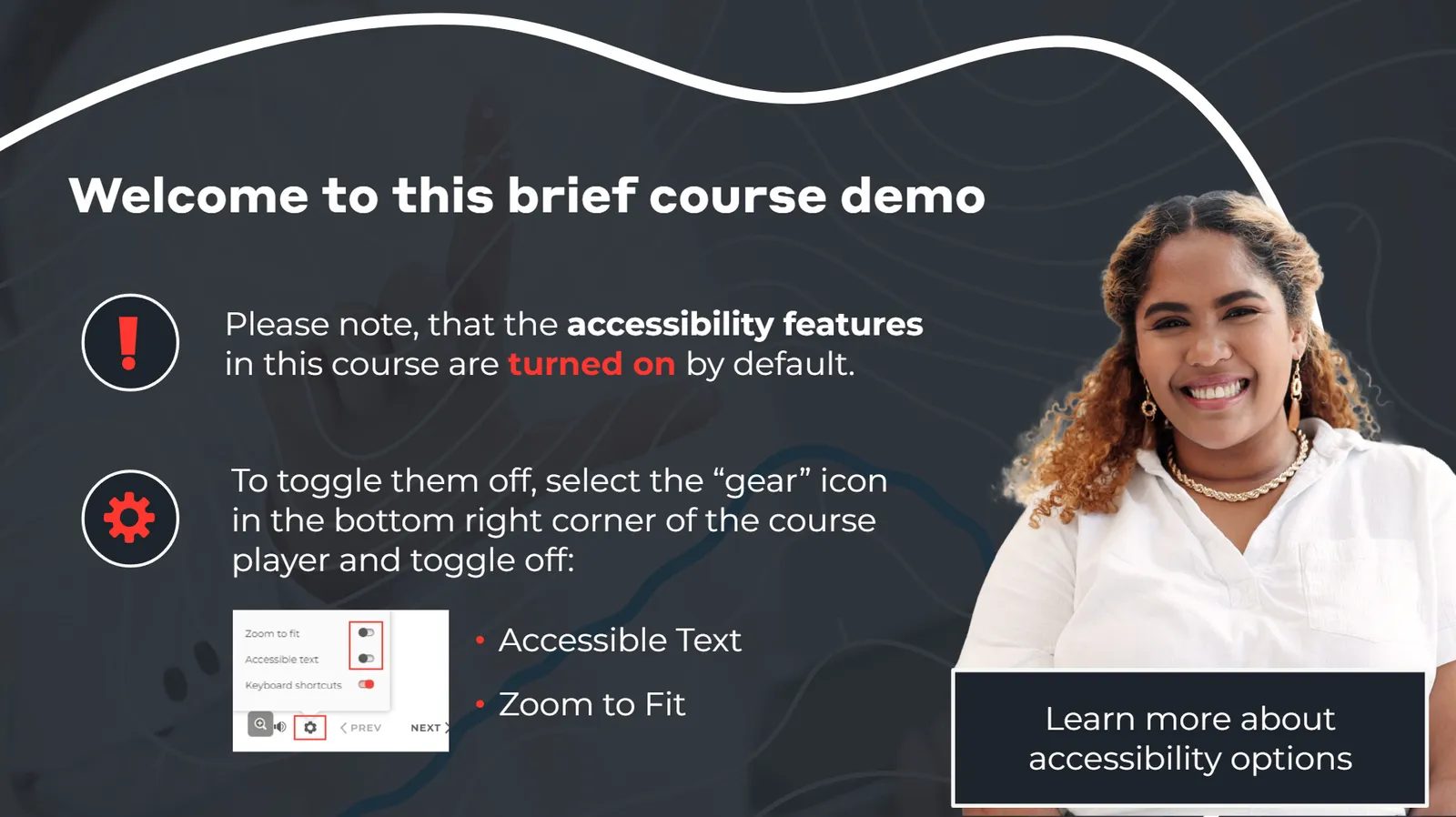
Accessibility features are on by default -
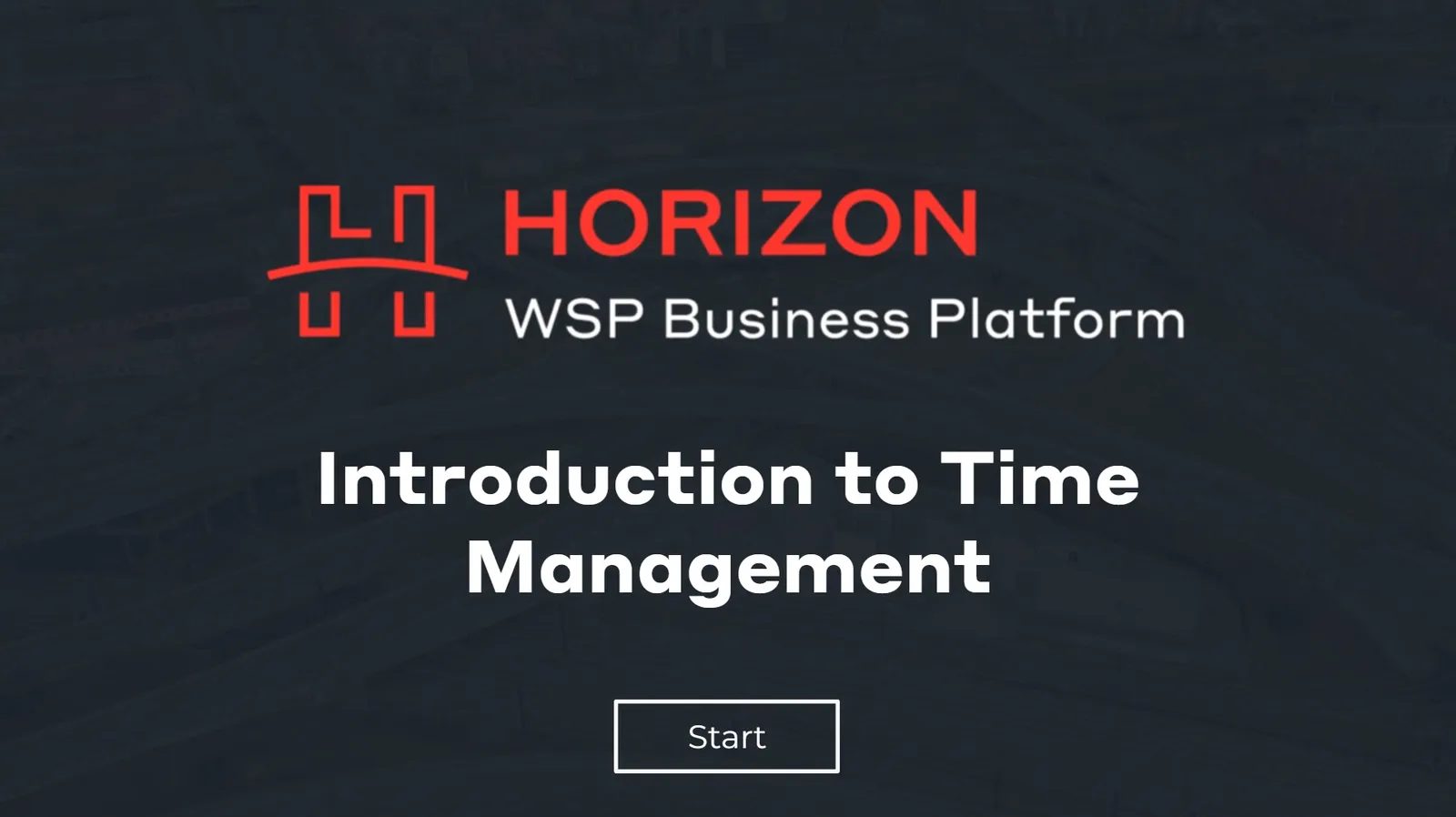
The course title screen -
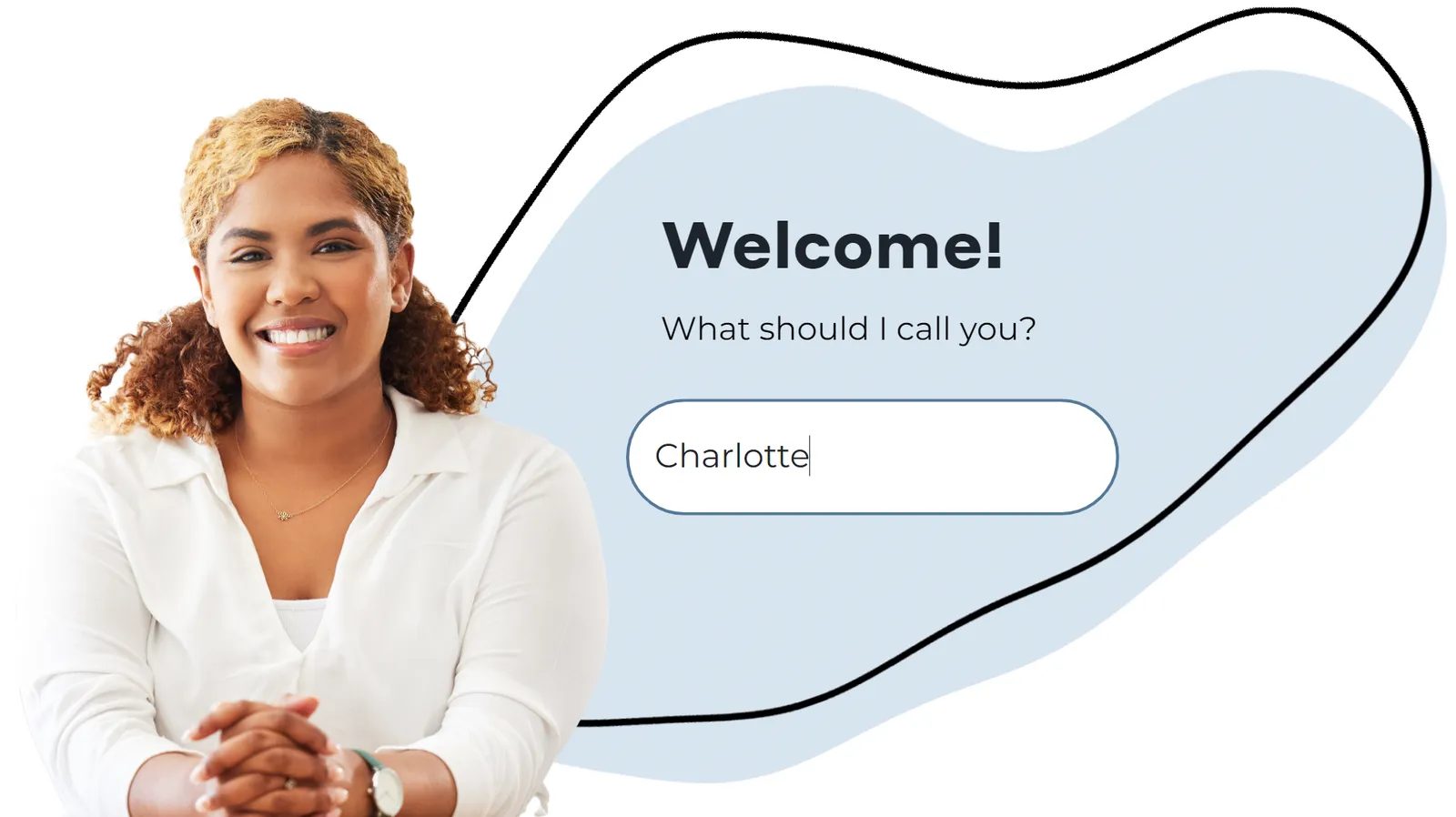
The learner enters a name the course uses later -
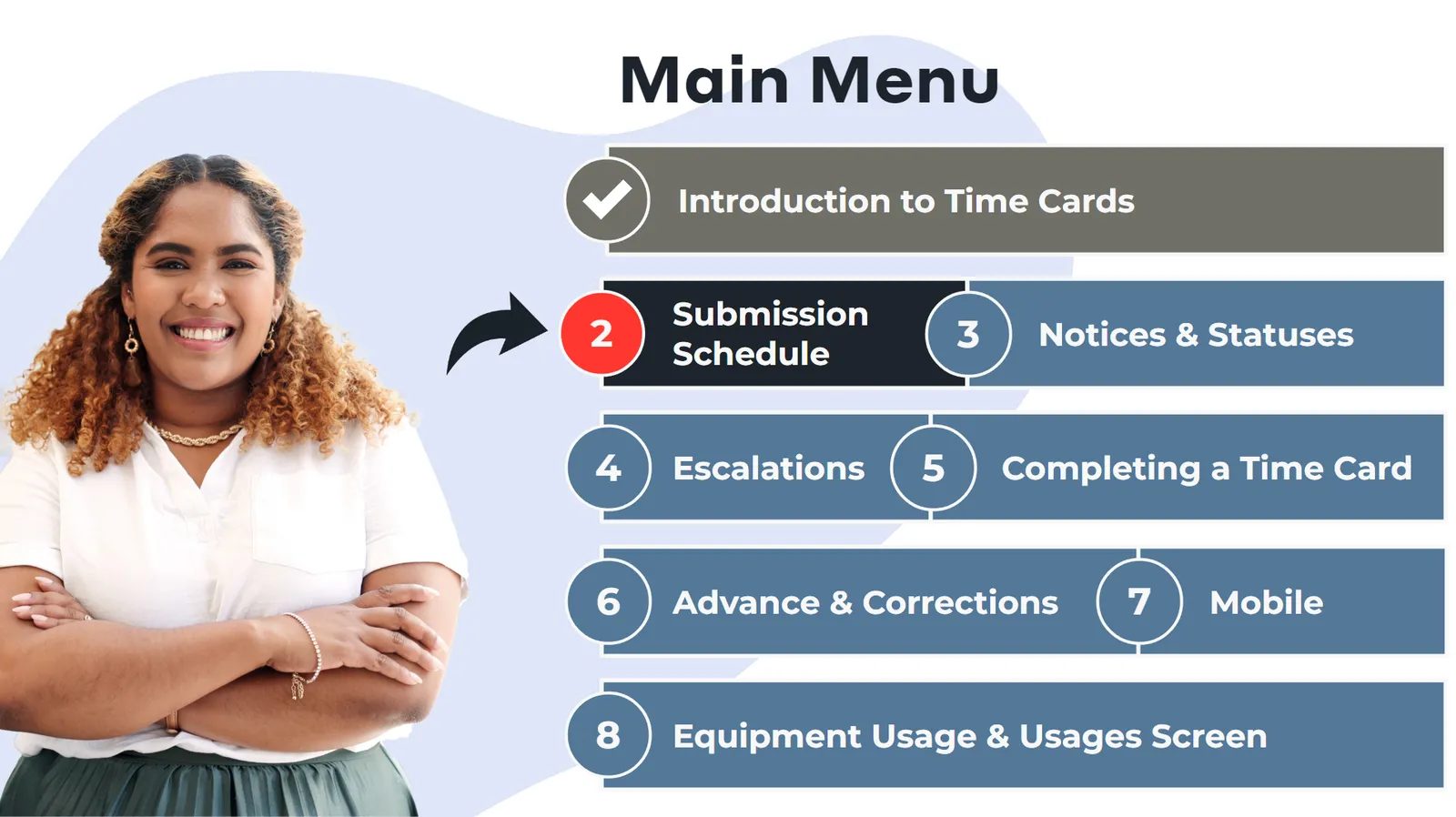
The main menu -
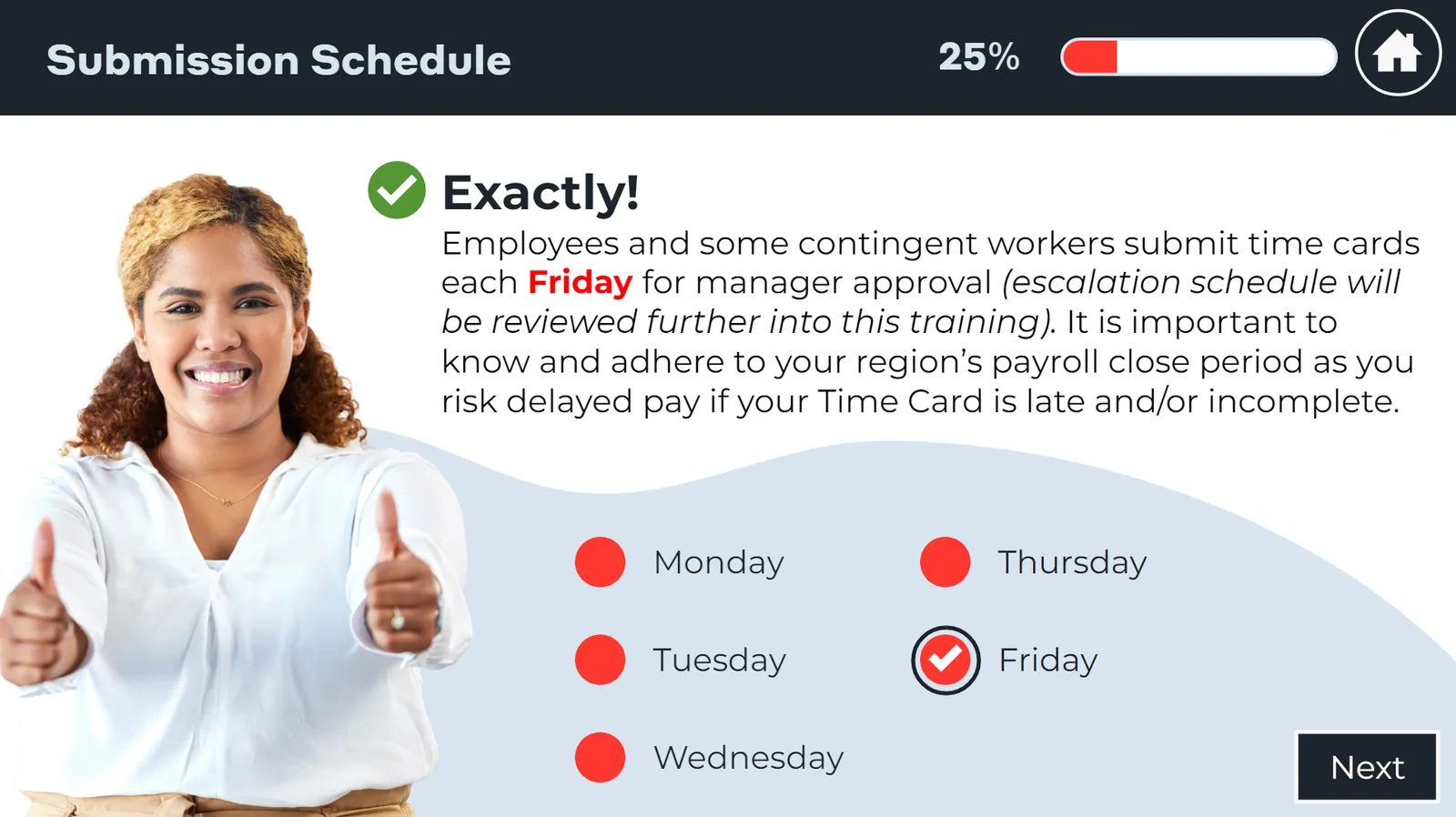
A knowledge check with instant feedback -
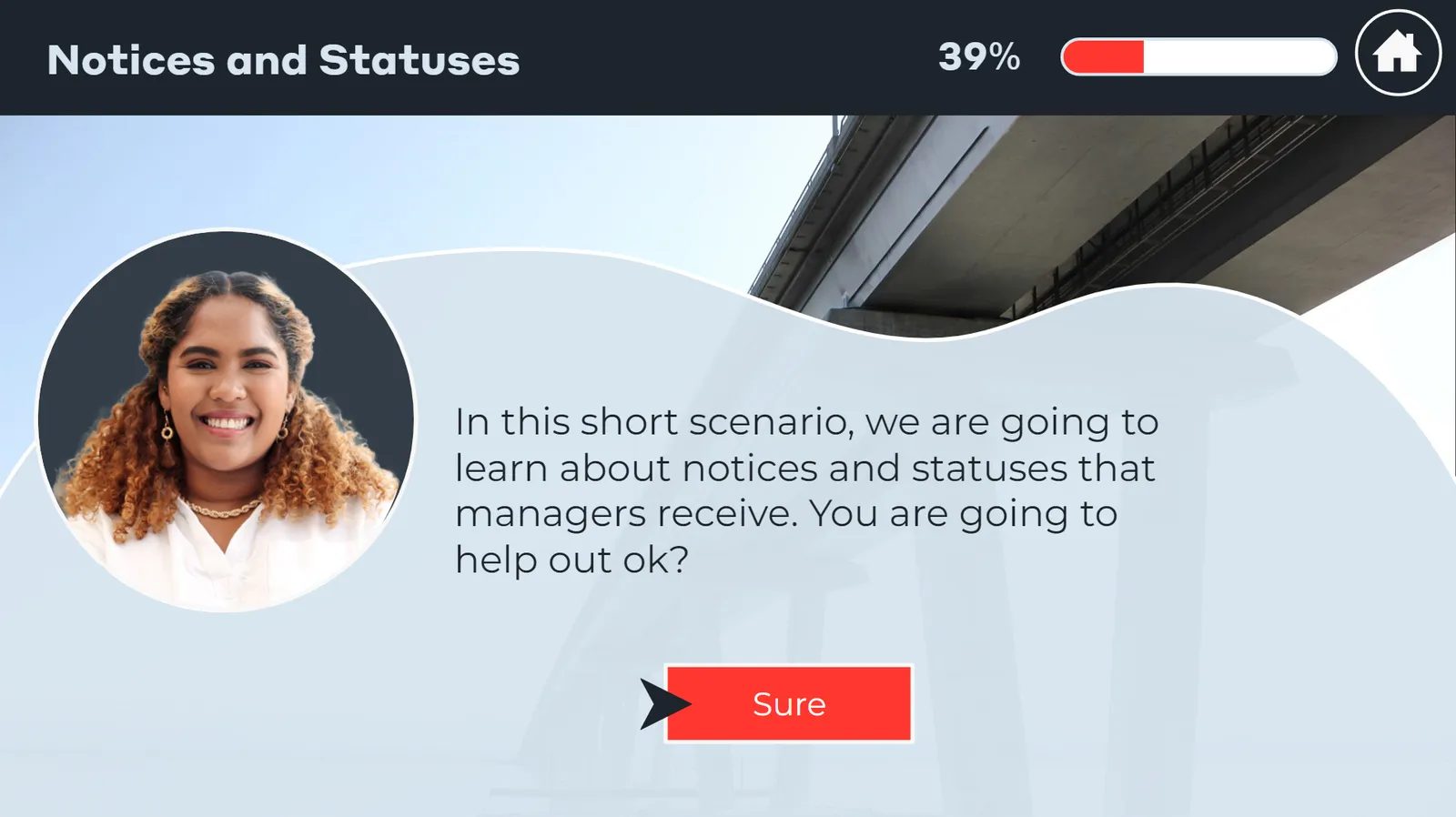
A short scenario on notices and statuses -
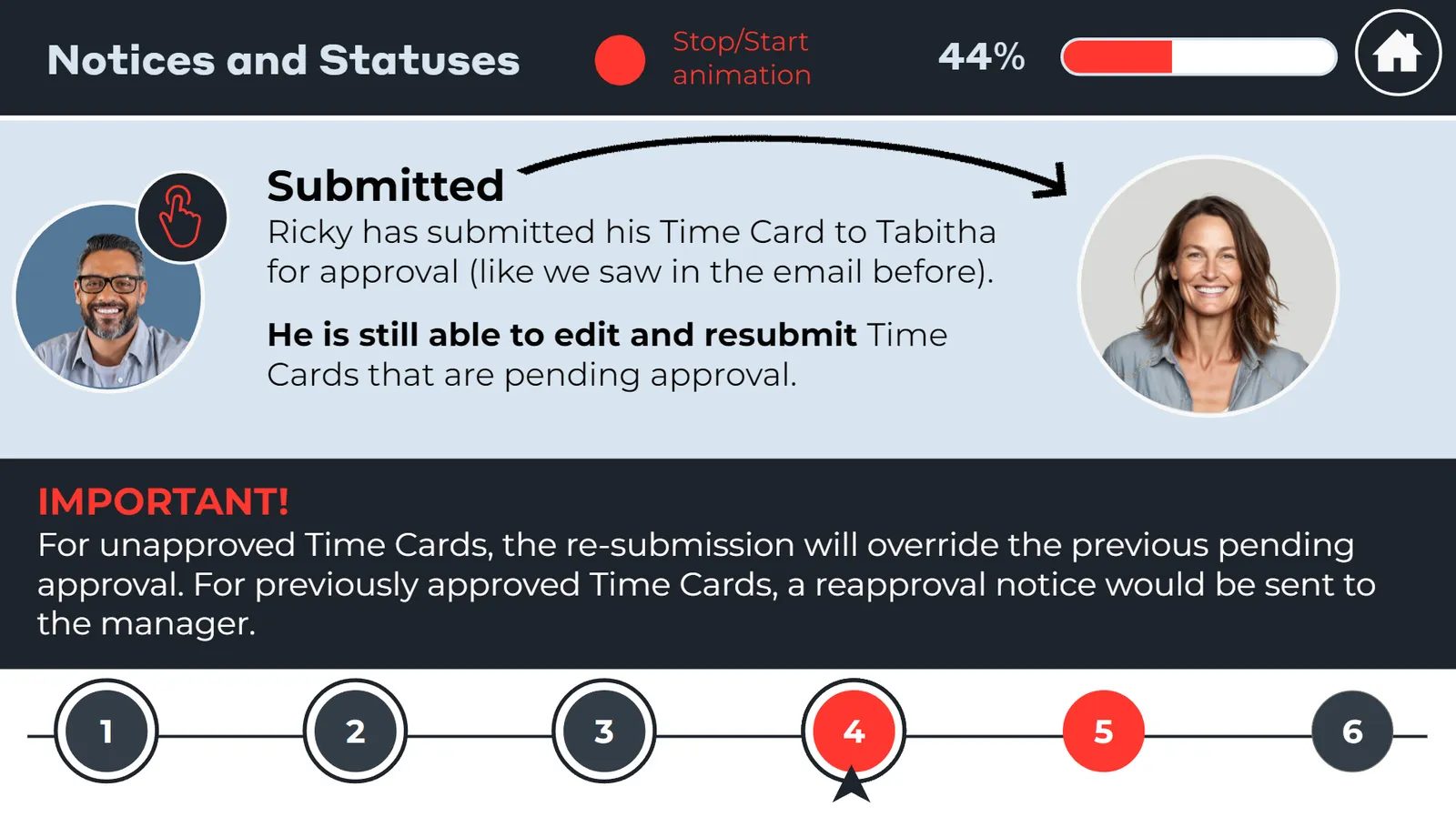
A timeline with clickable steps -
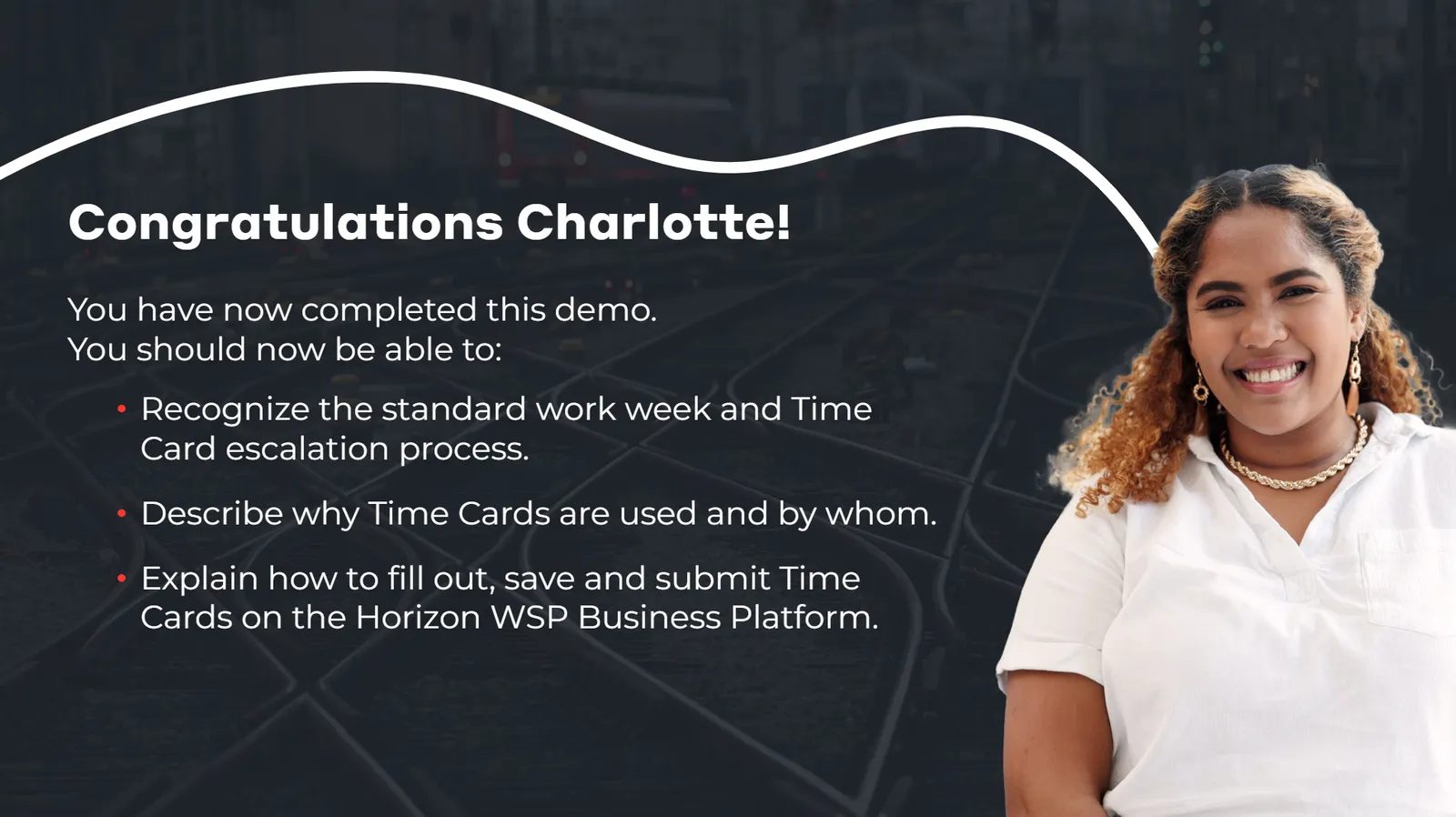
Course completion


-
Project goals
- Give 20 courses, 40 in English and French, a modern look with more engaging interactivity and accessibility features
- Add interactive elements that increase learner engagement
- Make new software training accessible, multilingual and engaging for current staff and new hires
-
Challenges
- WSP supplied 20 courses in English, and translating them into French while keeping the same engagement features and new branding raised significant accessibility challenges
- Neovation's instructional designers worked directly with stakeholders at many levels of WSP to solve them
The result
The new courses, on topics from HR to finance, were developed in six months, with accessibility features, new interactivity and updated branding. The training has since been deployed to more than 65,000 employees across the US and UK.
In post-training surveys, 95% of learners responded favorably. WSP plans to use the updated training across all its divisions worldwide.
What WSP says
-
This initiative was a huge success! Neovation’s quick turnaround was amazing, and they did an excellent job pivoting and staying flexible.


-
Types of interactivity
- Drag-and-drop activities
- Graphic design and illustration
- Interactive images
- Knowledge checks
- Software simulations
- Navigation
-
Where the content started
Neovation created all content in partnership with WSP.
How can we help with a program like this?
Tell us what you're working on and we'll suggest where to start. We reply within three business hours.

Hello, I'm Sonia, and I'm here to help you.
SMB Sales

Hello, I'm Josh, and I'm here to help you.
Senior Sales Director

Hello, I'm Philip, and I'm here to help you.
Senior Sales Director

Hello, I'm Alan, and I'm here to help you.
Account Manager

Hello, I'm Jennifer, and I'm here to help you.
Leader, Custom Learning Team

Hello, I'm Brayden, and I'm here to help you.
Senior Sales Director