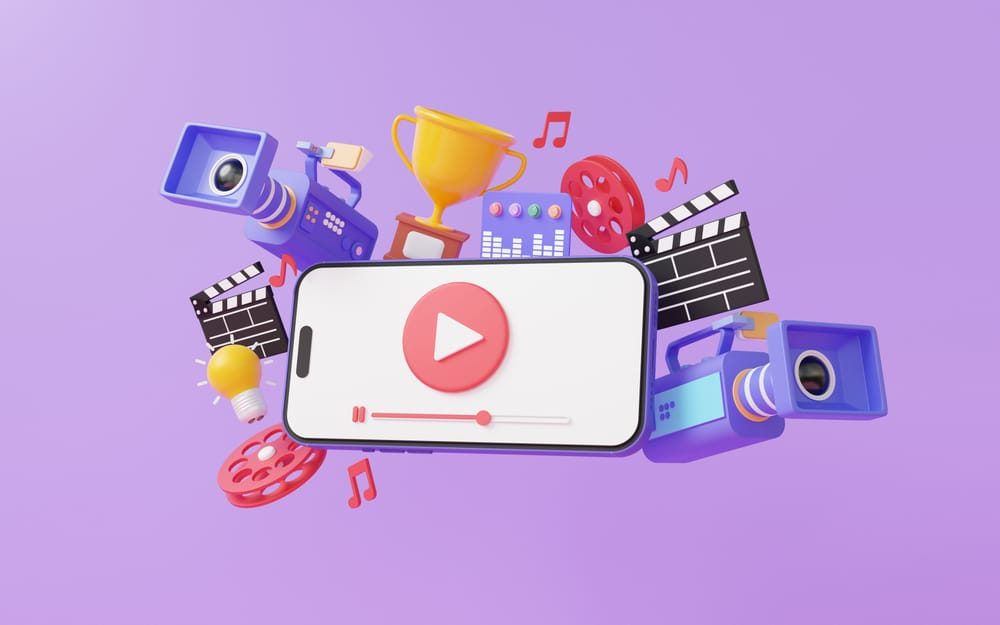
What is an animation?
Animations can range from a simple slide motion, like animating a logo when your learner starts a course, to infographics and elements that animate in a variety of ways to explain complex concepts to learners or help them explore specific topics. These add both style and substance to your eLearning.
See animation in action
-
Animation: design Level 1
At Level 1, your animation will consist of simple transitions such as slide in/out or fade in/out, images, and your organization's branding elements, like your logo, fonts, and colors.
-
Animation: design Level 2
At Level 2, your animation includes more dynamic transitions incorporating significant movement and background music while we apply your organization's branding elements to the motion design.
-
Animation: design Level 3
At Level 3, your animation is entirely custom. It can include a logo animation, motion graphic movement that excites the viewer, sound effects, and background music, with your organization's brand on full display.
Considerations for animation
Animations can also be slow to load if they have a large file size, and it may hinder performance by rendering poorly on low bandwidth connection. The higher the definition, the slower the loading.
Quality, not quantity: invest in creating resources that add value for your learners.
Timing matters: animations should be neither too fast nor too slow.
Delivery always needs to fit with desired outcomes and learning objectives.
-
Learning benefits
- Help your learners consume a lot of information in a short amount of time
- Grab attention with eye-catching visuals
- Make instructional material relatable and relevant through well-written storytelling
-
Usage examples and tips
- Motion graphics used in scenarios and simulations that incorporate branching functionality and decision-making
- Infographics used to explain concepts, steps in a process, or how content relates to one another
How can we help make your courses interactive?
Tell us what you're working on and we'll suggest where to start. We reply within three business hours.

Hello, I'm Sonia, and I'm here to help you.
SMB Sales

Hello, I'm Josh, and I'm here to help you.
Senior Sales Director

Hello, I'm Philip, and I'm here to help you.
Senior Sales Director

Hello, I'm Alan, and I'm here to help you.
Account Manager

Hello, I'm Jennifer, and I'm here to help you.
Leader, Custom Learning Team

Hello, I'm Brayden, and I'm here to help you.
Senior Sales Director